Back-and-forth
Five messages per booking
'Do you have Thursday?' 'Morning or afternoon?' 'How about 2?' Repeat for every client, between appointments.
Ads and visibility: customers who are looking for your service now or don’t know about it yet.
01 Google AdsEnquiries from people searching for your service right nowfrom $800/mo 02 Social media adsMeta, TikTok, LinkedIn: customers who are not searching yetfrom $800/mo 03 SEOHigher in Google and Maps without paying per clickfrom $690/mo 04 Visibility in ChatGPT and AIYour business in AI assistant answerspart of SEO 05 Amazon, eBay and marketplacesSell where customers already buywith a partnerThe place where a visit turns into an enquiry, and a system that doesn’t lose that enquiry.
01 Web designA website that turns visits into enquirieslanding from $750 02 Online storesCart, payments and shipping, ready for adsfrom $2,300 03 CRMNo enquiry gets lost in a phonesetup $1,100 04 Chatbots and AIThey answer customers, at night too$550 05 Email and SMSCustomers come back instead of forgetting youquoted individuallyPlan and tracking first, budget second. You know what works before you spend more.
01 Strategy and auditKnow where to spend the budget before you spend it$700 02 AnalyticsSee which ad brings in money$470 03 ConsultationsA call about your specific problem$35/h 04 Free auditA quick review and 3–5 priorities to start$0How your business looks and sounds before anyone calls you.
01 Social media managementProfiles that look like a real businesswith a partner 02 Creative and videoGraphics and videos that stop the thumbquoted individually 03 BrandingA logo and style that sets you apartwith a partner Edmonton, Canada
website with a 3D calculator and a CRM
Boreal Kitchens
 Winnipeg, Canada
website and CRM in one system
Adela Strycharz, REALTOR®
 Żywiec, Poland
500+ page website and CRM for a chain
Gładko Tnący Barber
 Warsaw, Poland
website in 4 languages, calculators and CRM
MagCleaning
A booking chatbot for clinics, salons, studios, tutors and service businesses that take appointments. It offers the free times from your calendar, books the slot, confirms by message and reminds the customer before the visit. You keep working while the diary fills. One bot, $550.
Free: a 30-minute call, an action plan and a price range in writing.
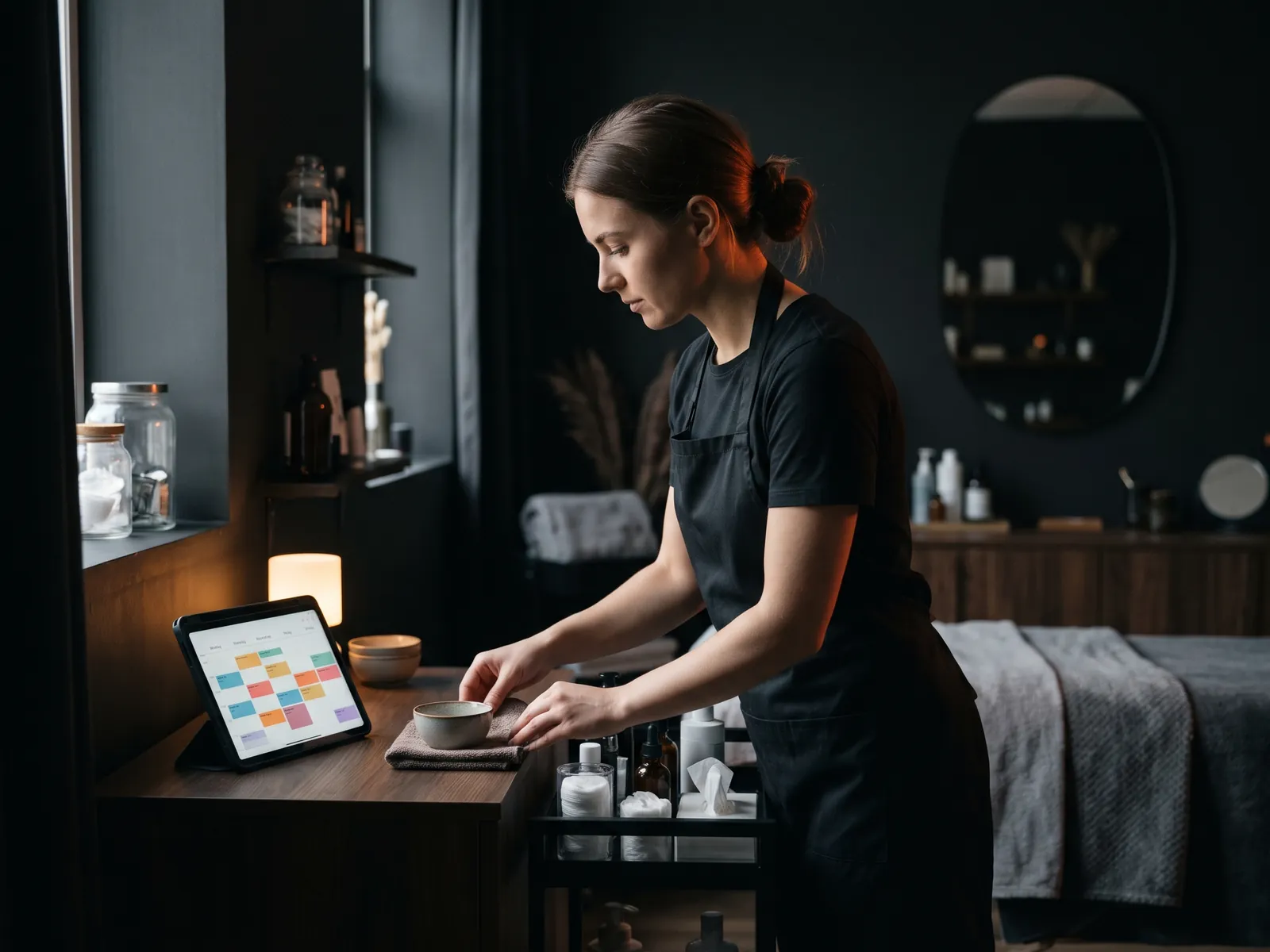
'Do you have Thursday?' 'Morning or afternoon?' 'How about 2?' Repeat for every client, between appointments.
People forget. Without a reminder, a missed appointment is lost income you cannot resell at short notice.
Clients decide to book at 9 pm after the kids are in bed. If they cannot, they book wherever they can.
Booking bots are delivered with a trusted partner; the contract, deadlines and communication stay with me.
Durations, buffers, staff, locations, deposits or cancellation rules if you use them.
Connected to Google Calendar, Outlook or your booking system where it allows integration.
Choose a service, a staff member if relevant, a time, then name and mobile. Short and clear.
Instant confirmation, a reminder before the visit and an easy way to reschedule.
Test bookings across days, staff and time zones before going live.
Final prices in Australian dollars, agreed in writing. Your booking software subscription, if any, stays with you.
A bot that books into your calendar on one channel.
Booking bot plus a CRM that tracks every client and visit.
An internal project where I lead marketing: online booking with treatment packages on the clinic's own website.
See the case study →A page and online booking for each location, with a CRM behind the website.
See the case study →A booking chatbot takes the most repetitive conversation in an appointment-based business and makes it instant. Instead of messaging back and forth to find a time, the client picks a service, sees real availability, chooses a slot and leaves their details. The appointment lands in your calendar, the client gets a confirmation and, before the visit, a reminder. Nobody on your side had to stop work to make it happen.
For physios, dentists, beauty therapists, barbers, tutors, driving instructors, mechanics and dog groomers, the maths is simple. Every booking that would otherwise wait until the next morning, and every no-show prevented by a reminder, is income you would have lost.
The bot can sit wherever clients already contact you:
Wherever the conversation starts, the booking ends in the same calendar.
This is an Australian detail that trips up booking systems. Queensland does not use daylight saving, while New South Wales, Victoria, the ACT and Tasmania do. South Australia uses it too but sits half an hour behind the eastern states, and Western Australia and the Northern Territory stay on standard time all year. A client in Brisbane booking with a clinic in Tweed Heads, just over the border, can see the wrong time if the system is careless. I set each location's time zone explicitly and test bookings across the October and April changeovers.
Reminders are the quiet hero of any booking system. A message the day before, with the time, address, parking tips and a reschedule link, gives clients an easy way to move the appointment instead of simply not turning up. You get the chance to offer the slot to someone else. Reminders can go by the same chat channel, by email or by SMS, whichever your clients respond to best.
A good booking flow asks only what you need to prepare: the service, the preferred time, the name, a mobile number and maybe one short note, such as the car model for a mechanic or the dog's breed for a groomer. Every extra question loses a few people. Anything you can find out at the appointment itself should wait until then. I keep the whole booking to under a minute on a phone.
For health practitioners, the booking bot should stay practical: services, durations, fees, what to bring, and how to book. It must not make claims about treatment outcomes, and AHPRA's advertising rules on testimonials and misleading claims apply to everything you publish, chat included. The bot also should not ask for clinical details it does not need. Keeping it simple keeps it compliant.
A list of your services with durations and prices, staff and their working hours, any buffer time between appointments, your cancellation policy, access to your calendar or booking software, and the channel you want to start with. If your website does not yet support online bookings well, the article on adding online booking to your website is a good primer, and I can build that too.
I deliver booking bots with a trusted partner; the contract, deadlines and communication stay with me. If you want every client recorded with visit history and follow-ups, pair the bot with a CRM in the Leads under control package.
Often, yes. Many booking and practice management tools used in Australia offer calendar sync or an API, and Google Calendar and Outlook are straightforward. Some systems are closed, in which case the bot can collect the request and send it to you or link to your existing booking page. I check your exact software before quoting.
Yes. The bot can ask which location and which practitioner the client prefers, or offer the first available. Each staff member's calendar is respected, along with breaks and buffers between appointments. For businesses with clinics in different states, times are shown in each location's local time.
If you take deposits, the bot can send a payment link from your existing payment provider before confirming. Your cancellation policy can be shown before the booking is finalised. Under the Australian Consumer Law, fees and conditions must be clear upfront, so I make sure the client sees them before they commit.
Yes. The bot is an extra door, not the only one. Your phone number stays visible, and the bot offers a callback if someone prefers to talk. Many regulars keep calling, while new and younger clients often prefer to book in a chat at whatever hour suits them.
After booking, the client gets a confirmation in the same channel. Before the visit, a reminder goes out by message, SMS or email, with a way to confirm or reschedule. Plain booking reminders are service messages; if you add promotions to them, Spam Act consent rules apply, so I keep the two apart.
Tell me what you book, which software you use and how clients contact you. I reply within one business day. Or book a free 30-minute call.