



Online booking for your website
Adding online booking to your website can fill your calendar while you work. The options, what a good booking flow needs and the pitfalls that cause no-shows.
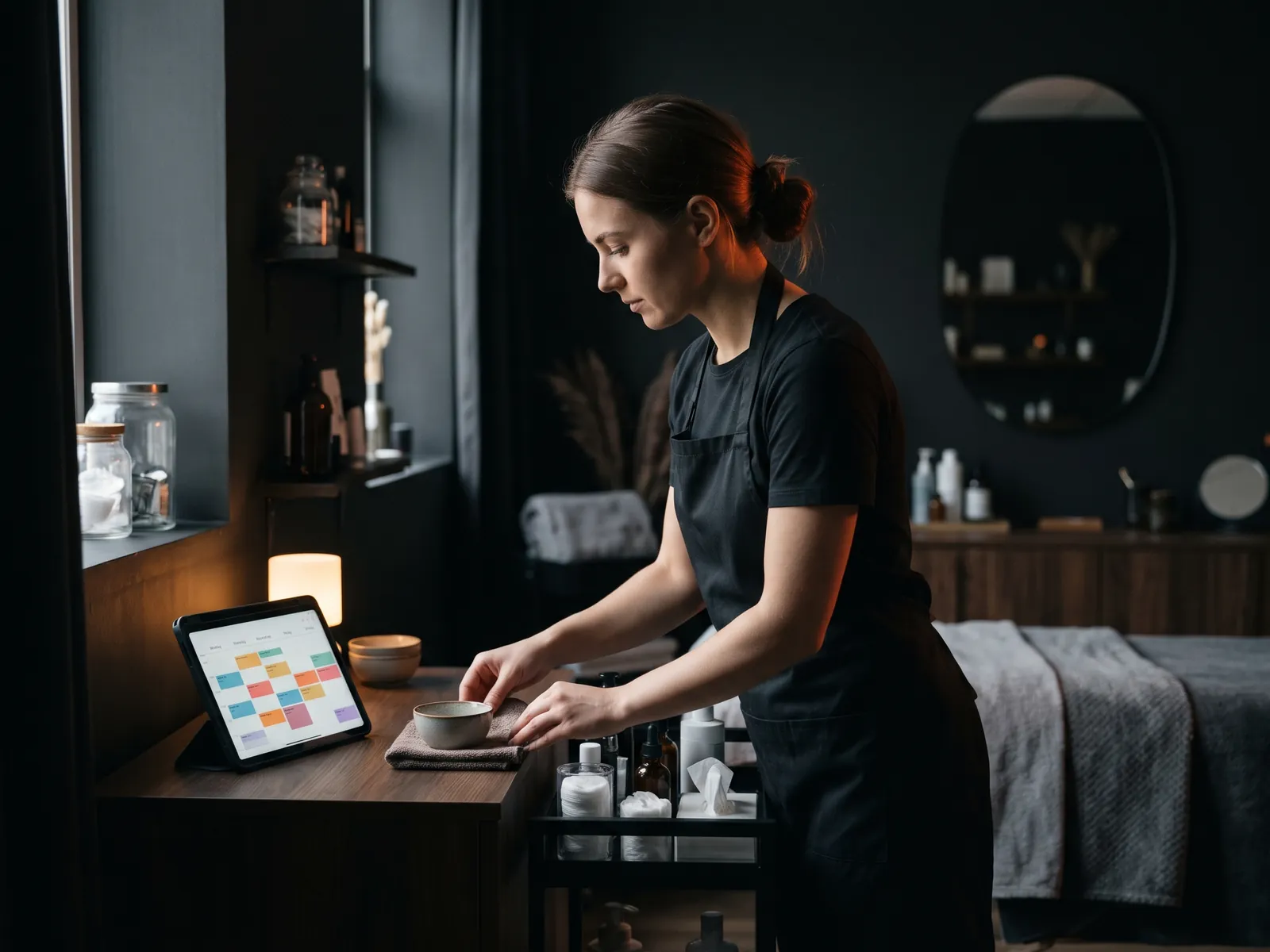
Adding online booking to your website lets customers pick a time without calling, including at 10 pm when you are off the clock. There are two broad ways to do it: connect a ready-made booking tool and embed or link it from your site, or build booking into the website itself so it matches your services, prices and workflow exactly. For many businesses the first is enough; the second makes sense when your booking rules are unusual or you want everything in one system.
This guide covers which businesses benefit, the options, what a good booking flow needs and the mistakes that lead to empty slots and no-shows.
Who benefits most from online booking
Online booking works best where the service has a fixed length and a predictable price:
- Hair, beauty, nails, barbers and massage.
- Physio, chiro, dental and allied health (often through specialised practice software).
- Personal trainers, gyms and studios.
- Driving lessons, tutoring and music teachers.
- Car servicing, detailing and mobile mechanics.
- Consultations and discovery calls for professional services.
It is harder for jobs that need a quote first, like renovations or large cleaning contracts. Those businesses often do better with an online request for a site visit, where the customer suggests times and you confirm.
Option 1: a ready-made booking tool
Many booking platforms are popular in Australia, from general appointment tools to industry systems for salons, gyms and health practices. Medical and dental practices often use patient booking platforms such as HotDoc or Healthengine. You set up services, staff and hours in the tool, then add a "Book now" button or an embedded calendar to your website.
Pros: quick to set up, reminders and payments usually included, apps for staff, regular updates by the provider.
Cons: a monthly fee per staff member or location, some fees on payments, the booking page often looks like the tool rather than your brand, and your customer data lives in someone else's system. Some tools send people to their own marketplace page, where competitors are also listed.
Option 2: booking built into your website
The booking flow is designed as part of your site: services, durations, staff, packages and prices come from the same edit panel as the rest of your content, and bookings go straight into your CRM.
Pros: looks and feels like your brand, no per-staff subscription for the booking itself, rules made for your business (packages, buffers, travel time between mobile appointments, different hours per location), and the data is yours.
Cons: costs more upfront, and features like a staff app need to be planned rather than switched on.
Two of my projects show what built-in booking looks like. LaserLux, an internal project in Poland where I lead marketing, has online booking with treatment packages; see the LaserLux case study. Gładko Tnący Barber has a page and booking for each location on a large website with its own CRM; see the Gładko Tnący case study.
What a good booking flow needs
Whichever option you choose, check these:
- Clear services with durations and prices. Customers should know what they are booking and roughly what it costs before they choose a time.
- As few steps as possible. Service, time, details, confirm. Every extra screen loses people.
- Mobile first. Most bookings happen on phones. The calendar must work with a thumb.
- Confirmation and reminders. An instant confirmation, then a reminder a day or a few hours before. Reminders are one of the most effective ways to cut no-shows.
- Easy rescheduling. A link to move the appointment, so people reschedule instead of simply not turning up.
- Deposits or card details where no-shows hurt. Common for longer or high-value appointments. Make the policy clear before payment.
- Correct time zones. If you serve customers across states, remember that Queensland does not use daylight saving while New South Wales and Victoria do, and Western Australia runs hours behind the east coast. Online meetings and phone consultations booked across borders need the right zone on both sides.
- A route into your CRM or calendar, so bookings do not live in a separate island.
Payments and deposits
Customers in Australia expect card payments, and many are comfortable with PayID and digital wallets. Buy now, pay later options such as Afterpay or Zip are common for higher-priced services in beauty and similar categories. Whatever you offer, show the total price clearly; under the Australian Consumer Law, compulsory fees should be part of the price shown, not a surprise at the end. Cancellation and deposit rules should be fair and stated before anyone pays.
Reminders, messages and the Spam Act
Appointment confirmations and reminders are generally treated as service messages, not marketing. If you start adding promotions to them, or sending offers to past customers, the Spam Act's rules on consent, identifying yourself and unsubscribing come into play. Keep transactional and marketing messages separate. There is more in booking automation.
Booking via chat and Google
Some customers prefer to book in a message. A booking chatbot on your website, WhatsApp or Instagram can offer times and confirm appointments without anyone picking up the phone. Your Google Business Profile can also show a booking link, so people book straight from search or Maps.
Measure bookings like enquiries
A booking is your most valuable conversion, so track it as one. Each completed booking should be recorded in analytics with the service booked, so you can see which ads, pages and searches fill your calendar. Embedded tools on another domain can make this tricky, so check how tracking works before you choose one. Without it, you cannot tell whether your ad spend is filling chairs or just bringing visitors.
What it costs to add booking
With a ready-made tool, you pay the tool's subscription plus any payment fees, and the website work is mostly adding buttons and making sure tracking records each booking. Built-in booking is designed with the website, so it is quoted with the project after a short call; a business website with me starts at $1,400 and a large site on a custom CMS at $5,800 (AUD). The connection between booking, forms and your CRM is covered on the integrations page.
Let’s talk
about your business
Before the call I review your website and ads. After the call you get an action plan and a price range in writing.

12+ years in online marketing, 100+ clients. I build websites, Google Ads and Meta ads campaigns, CRMs and automations for small and mid-sized businesses. About me →
Online booking
questions
Should I use a booking app or build booking into my website?
If your services are standard and you are happy with a monthly fee per staff member, a ready-made tool is quick and reliable. If you have unusual rules, several locations, packages or want everything in your own CRM without per-staff subscriptions, built-in booking is worth considering. Many businesses start with a tool and move later.
Will online booking reduce no-shows?
Booking itself does not, but the features around it do. Automatic reminders, easy rescheduling links and deposits for longer appointments are the usual ways to cut no-shows. Make your cancellation policy clear before people book, and keep it fair.
Can customers book across different time zones?
Yes, if the system is set up correctly. Store appointments in your local time zone and show times in the customer's zone for online or phone services. Queensland, Western Australia and states with daylight saving can differ by one to three hours, so test this before launch.
Let customers book
while you work
Tell me how you take bookings now and what goes wrong. I will suggest whether a ready-made tool or built-in booking suits you better, with a written price.