



Booking automation: bookings and reminders
Booking automation in plain terms: online bookings, confirmations and reminders that cut no-shows and phone tag for clinics, salons, trades and studios, plus the mistakes to avoid.
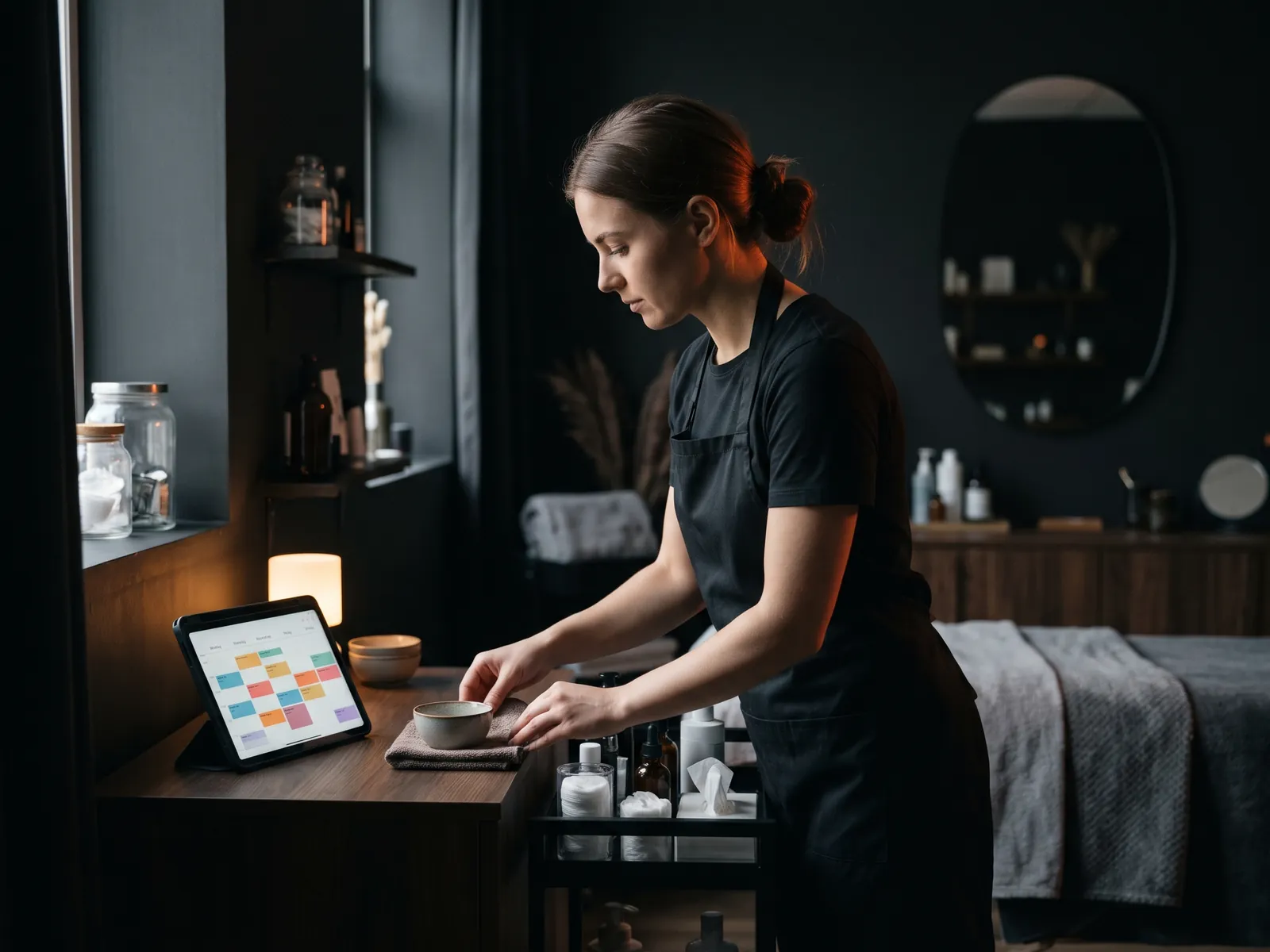
Booking automation means customers can book a time themselves, get an instant confirmation, and receive reminders before the appointment without anyone in your business lifting a finger. For clinics, salons, studios, tutors, mechanics and many trades, it does three things: fewer hours lost to phone tag, fewer no-shows, and more bookings made at 9 pm when your phone is off. The basic version (online booking plus SMS or email reminders) is usually cheap to run and quick to set up. The value comes from setting it up around how your business really works.
Below is what to automate first, what to leave manual, and the mistakes that make customers give up halfway through booking.
What can be automated
Think of the booking journey as a chain. Each link can be manual or automatic:
- Choosing a time. An online calendar shows real availability, by service and staff member.
- Collecting details. Name, mobile, service, notes, maybe photos or a referral.
- Confirmation. An instant SMS or email with date, time, address and what to bring.
- Payment or deposit. Optional, for services where no-shows hurt.
- Reminders. Typically a day or two before, and sometimes on the morning.
- Reschedule and cancel links. So people change the booking instead of just not turning up.
- After the visit. A thank-you, a review request, a prompt to rebook when it is due.
You do not need all seven on day one. Steps 1, 3 and 5 alone usually make the biggest difference.
Where it pays off most
Clinics and allied health. Reception is the bottleneck. Every booking taken online is a phone call that did not interrupt a patient at the counter. In health, health-specific booking platforms such as HotDoc and Healthengine are common in Australia; if you use one, the job is to connect it well to your website, not to replace it.
Beauty, hair and wellness. Bookings are frequent, regular and often made late in the evening. Reminders cut no-shows, and a rebooking prompt ("time for your next appointment?") keeps the calendar full.
Trades and home services. Exact times are hard to promise. Bookable windows for quotes and inspections work better, with the system collecting the address and photos so the visit is productive.
Tutoring, classes and studios. Recurring bookings, class capacities and waitlists are tedious by hand and simple for software.
Reminders that people actually read
Reminders reduce no-shows only if they are short and useful. A good SMS reminder contains the business name, day and time, the address or a map link, and a way to reschedule:
Hi Jess, reminder of your appointment at [business name] tomorrow, Thursday, at 10:30 am. Need to change? Use this link or call us. See you then.
Send it at a sensible local time. If you have customers in several states, use their time zone. Daylight saving catches people out every October and April, because Queensland, the Northern Territory and Western Australia do not change their clocks while New South Wales, Victoria, the ACT, Tasmania and South Australia do. A system that stores times in one zone and sends in another will eventually remind someone of the wrong hour.
Mistakes that kill online bookings
- Too many steps. If booking a haircut takes eleven screens and an account login, people call instead, or go elsewhere.
- Fake availability. A calendar that shows free times you cannot actually honour creates angry customers. Sync it with your real diary.
- Hiding the button. The booking link should be in the header of your website, on your Google Business Profile, in your Instagram bio and in every reminder.
- No mobile testing. Most bookings happen on phones. Test the whole journey on one, including payment.
- Reminders without a reschedule option. People who cannot make it will not call; they just will not come.
- Promotions hidden in reminders. Adding a sales message to a reminder can turn it into a commercial message under the Spam Act 2003, which needs consent and an unsubscribe option. Keep reminders purely about the booking. My article on SMS marketing in Australia explains the line.
Booking tools: off the shelf or built in
Many businesses do well with a ready-made booking app, especially in beauty and health. The trade-offs are monthly fees, branding you do not control and sometimes awkward links between the booking app, your website and your CRM.
The alternative is booking built into your own website and CRM. That suits businesses with unusual rules: packages of several sessions, multiple locations with different services, or bookings that depend on answers to a few questions. Two of my projects show the idea. For LaserLux in Poland, an internal project where I am head of marketing, the website takes online bookings with treatment packages. For Gładko Tnący Barber, a barber chain in Poland, each location has its own page and its own booking, all feeding one CRM.
| Ready-made booking app | Booking in your own site and CRM | |
|---|---|---|
| Speed to launch | Fast | Built with the website or CRM |
| Monthly cost | Subscription, often per staff member | Hosting, agreed individually |
| Fit to unusual rules | Limited to the app's options | Built around your process |
| Data | In the app, exported as needed | In your own CRM |
If you are choosing between them as part of a new website, I compare the options in online booking for your website.
Adding a chatbot to bookings
A chatbot can take bookings in conversation: "I'd like a massage on Saturday" becomes a few questions and a confirmed slot. It suits businesses where customers have questions before booking, or where bookings arrive through Messenger, Instagram or WhatsApp. I deliver booking chatbots with a trusted partner, with the contract and communication staying with me. Details are on the booking chatbot page.
Measuring whether it worked
Before you switch anything on, write down three numbers for the last month: how many bookings came by phone, how many no-shows you had, and roughly how many hours a week someone spends on scheduling. Check the same numbers after two months. If the no-shows have not dropped, look at reminder timing and wording. If people start booking online but abandon it, watch someone use the booking page on a phone; the problem is usually obvious within a minute.
Where to start
If you take bookings by phone and messages today, start with an online booking page and automatic reminders. If you already have online booking, add rescheduling links, a rebooking prompt after the visit and a connection to your CRM, so you can see who has not been back for a while. That last step is the basis for winning back past customers, which is often the cheapest marketing a service business can do.
Let’s talk
about your business
Before the call I review your website and ads. After the call you get an action plan and a price range in writing.

12+ years in online marketing, 100+ clients. I build websites, Google Ads and Meta ads campaigns, CRMs and automations for small and mid-sized businesses. About me →
Bookings and reminders:
quick answers
Do appointment reminders need consent under the Spam Act?
Messages that simply confirm or remind someone of a booking they made are generally treated as transactional rather than marketing. Keep them factual and identify your business. Once you add promotions to a reminder, it may become a commercial message that needs consent and an unsubscribe option. If you are unsure, check with a lawyer.
Should customers pay a deposit when they book online?
For services where no-shows are expensive (long treatments, consultations, tours), a deposit or card on file often reduces them. Make the cancellation policy clear before payment and keep it fair: under Australian Consumer Law, terms must not be misleading, and unfair terms in standard consumer contracts can be challenged.
Can online bookings work for trades?
Yes, in a simpler form. Instead of exact appointment times, many trades offer bookable windows for quotes or inspections, such as Tuesday morning or Thursday afternoon. The system collects the address, photos and job details, and the tradie confirms. It cuts phone tag without promising times you cannot keep.
Will older customers use online booking?
Many will, especially if it is quick on a phone. Keep the phone option visible for those who prefer it, and make sure staff can enter phone bookings into the same calendar so reminders go to everyone.
Let the calendar
do the chasing
Tell me how bookings work in your business today: phone, messages, an app, a paper diary. I'll suggest the simplest automation that fits and give you a fixed price within 1 business day.