Vision
Unreadable text
Low contrast, tiny fonts and images of text that screen readers can't read.
Ads and visibility: customers who are looking for your service now or don’t know about it yet.
01 Google AdsEnquiries from people searching for your service right nowfrom $800/mo 02 Social media adsMeta, TikTok, LinkedIn: customers who are not searching yetfrom $800/mo 03 SEOHigher in Google and Maps without paying per clickfrom $690/mo 04 Visibility in ChatGPT and AIYour business in AI assistant answerspart of SEO 05 Amazon, eBay and marketplacesSell where customers already buywith a partnerThe place where a visit turns into an enquiry, and a system that doesn’t lose that enquiry.
01 Web designA website that turns visits into enquirieslanding from $750 02 Online storesCart, payments and shipping, ready for adsfrom $2,300 03 CRMNo enquiry gets lost in a phonesetup $1,100 04 Chatbots and AIThey answer customers, at night too$550 05 Email and SMSCustomers come back instead of forgetting youquoted individuallyPlan and tracking first, budget second. You know what works before you spend more.
01 Strategy and auditKnow where to spend the budget before you spend it$700 02 AnalyticsSee which ad brings in money$470 03 ConsultationsA call about your specific problem$35/h 04 Free auditA quick review and 3–5 priorities to start$0How your business looks and sounds before anyone calls you.
01 Social media managementProfiles that look like a real businesswith a partner 02 Creative and videoGraphics and videos that stop the thumbquoted individually 03 BrandingA logo and style that sets you apartwith a partner Edmonton, Canada
website with a 3D calculator and a CRM
Boreal Kitchens
 Winnipeg, Canada
website and CRM in one system
Adela Strycharz, REALTOR®
 Żywiec, Poland
500+ page website and CRM for a chain
Gładko Tnący Barber
 Warsaw, Poland
website in 4 languages, calculators and CRM
MagCleaning
Website accessibility built in, not bolted on. I build sites to WCAG 2.2 AA so people using screen readers, keyboards, zoom or reduce-motion can find, read and contact your business.
Free: a 30-minute call, an action plan and a price range in writing.
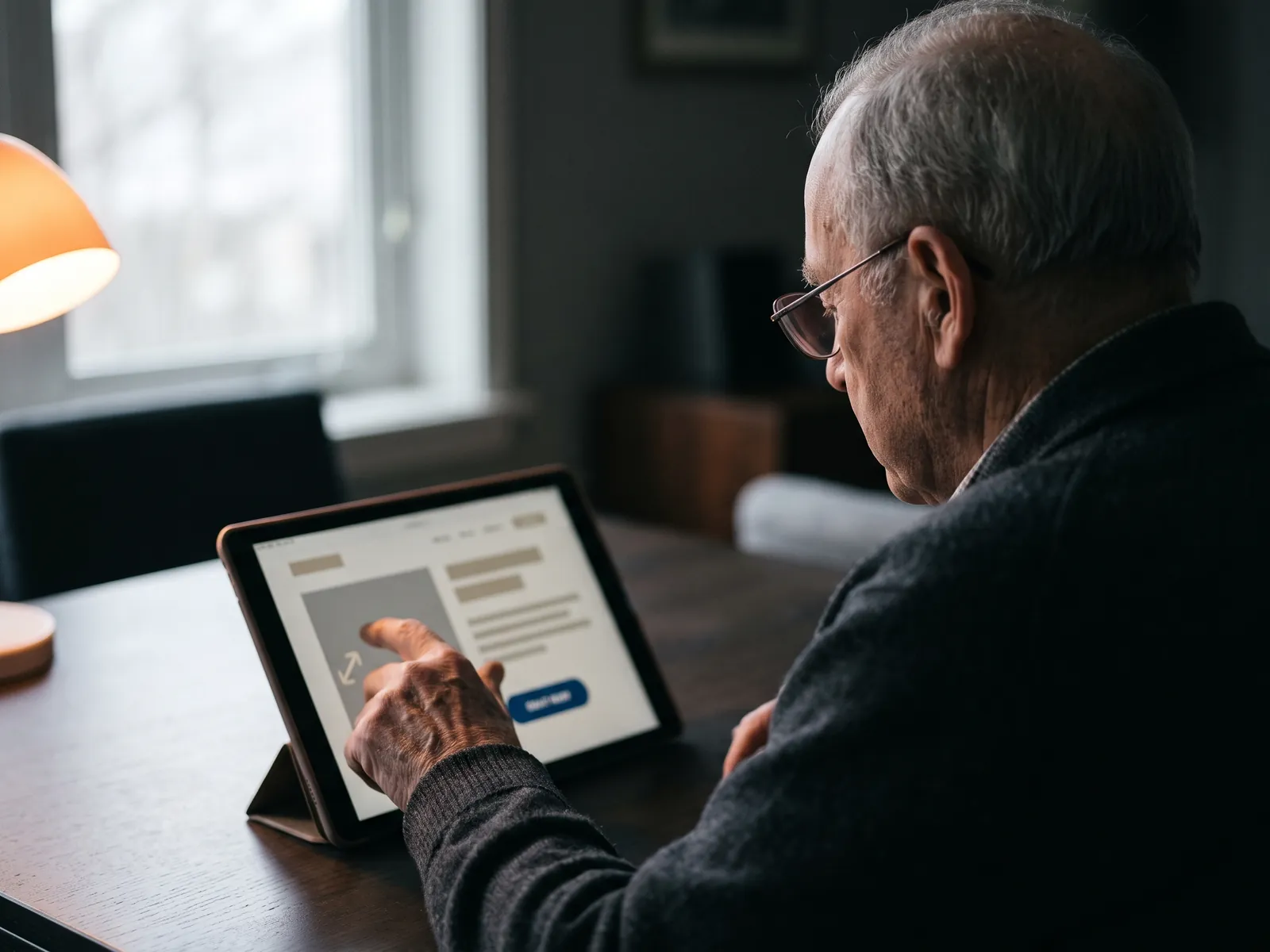
Low contrast, tiny fonts and images of text that screen readers can't read.
Dropdowns and pop-ups that can't be opened or closed with a keyboard.
Placeholder text that vanishes and errors that only show in red.
Readable sizes and contrast that holds up in sunlight too.
Everything operable without a mouse, with visible focus.
Headings, landmarks, labels and alt text done properly.
Visible labels and errors that explain how to fix them.
Works at 200% zoom and on small screens.
Animation respects the visitor's device setting.
WCAG 2.2 AA is included. Australian dollars.
One accessible page for one service.
Accessible multi-page site with edit panel.
Website accessibility means people with disability can use your site: someone who's blind and uses a screen reader, someone with low vision who zooms to 200%, someone who can't use a mouse, someone with a cognitive disability who needs clear language, or an older customer whose hands shake on a touchscreen. Many customers live with disability, and many more have temporary or age-related limitations. An inaccessible website simply turns those customers away.
There's a legal side too. The Disability Discrimination Act 1992 (DDA) makes it unlawful to discriminate against people with disability in providing goods and services, and the Australian Human Rights Commission has long taken the view that this extends to websites. The best-known early case, Maguire v SOCOG, involved the Sydney 2000 Olympics website. The DDA doesn't name a technical standard for private businesses, but the Web Content Accessibility Guidelines (WCAG) 2.1 or 2.2 at level AA are the usual benchmark, and government websites are expected to meet them.
I'm a marketer and web developer, not a lawyer. If you need certainty about your legal obligations, particularly for a large organisation, a government contract or an existing complaint, please get legal advice. What I can do is build your site to WCAG 2.2 AA from the start and explain clearly what that covers.
WCAG is organised around four ideas: content must be perceivable, operable, understandable and robust. On a small business website, that turns into concrete things:
Retrofitting accessibility onto a site built without it is expensive and often incomplete, especially on page builders that generate messy code. When I build hand-coded or on a custom CMS, accessibility is part of the design and the code from day one, so it costs very little extra. The edit panel also nudges your team in the right direction: it asks for image descriptions and keeps heading structure intact, so the site doesn't drift out of compliance with every update.
A note on "accessibility overlays", the widgets that promise one-line compliance: they don't fix the underlying code, and many disabled users find them unhelpful. I don't use them.
Automated tools find only part of the problems, so the manual checks matter most.
Accessibility to WCAG 2.2 AA is included in every site I build, from a $750 landing page to a business website from $1,400 and a large custom CMS from $5,800, in Australian dollars. I don't audit or repair other people's builds, but if your current site has accessibility problems, a website redesign on your existing domain fixes them at the root. For background reading, see website accessibility in Australia.
The Disability Discrimination Act 1992 makes disability discrimination in providing goods and services unlawful, and the Australian Human Rights Commission considers this to include websites. There's no specific technical standard written into the Act for private businesses, but WCAG 2.1 or 2.2 AA is the usual benchmark. For certainty about your situation, get legal advice.
WCAG 2.2 AA is the current version and includes everything in 2.1 plus a few extra criteria, mostly around focus visibility, target sizes and forms. I build to 2.2 AA by default, which also satisfies 2.1 AA.
Generally not well. They add a toolbar on top of the site but don't fix the underlying code, and many people who rely on assistive technology find them get in the way. Building the site properly is the reliable route.
Often, yes. Clear headings, descriptive link text, alt text and fast, well-structured pages help search engines understand your site as well as people. It's not the main reason to do it, but it's a welcome side effect.
I don't repair other people's builds. If your current site has significant accessibility problems, I can rebuild it on your existing domain with accessibility designed in, moving your content across and redirecting old pages.
Tell me about your business and who your customers are. I'll reply within one business day with a plan and a price.