



How to get more Google reviews
A simple system to get more Google reviews from real customers, with message examples, reply tips and the review practices the ACCC and Google don't allow.
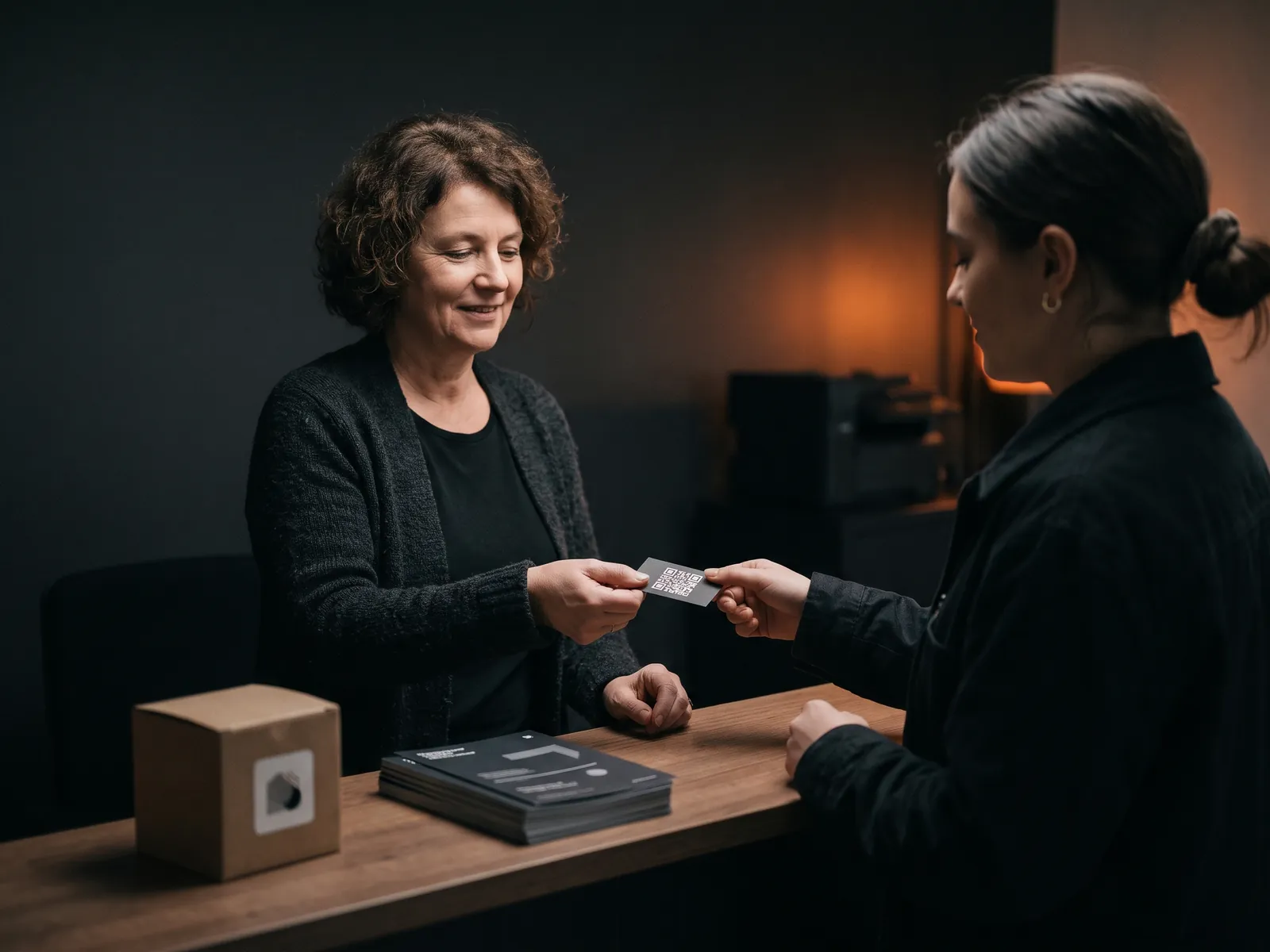
To get more Google reviews, ask every customer, at the moment they're happiest, with a direct link that takes them straight to the review box. That's most of it. The rest is making the ask part of your routine so it happens after every job, not just when you remember, and replying to every review so people see a business that listens.
What you can't do, in Australia or anywhere else, is fake it. Buying reviews, writing your own, offering a reward for five stars or sending the link only to happy customers all break Google's policies, and fake or manipulated reviews are also a breach of the Australian Consumer Law. The ACCC has taken businesses to court over it. The good news is that the honest approach works better anyway.
Why reviews matter so much for local businesses
Reviews do two jobs at once. They're one of the signals Google uses to decide who appears in the map results, and they're often the deciding factor when someone compares three plumbers on their phone. A business with 60 recent reviews averaging 4.7 will usually get the call over one with 9 reviews from three years ago, even if the second is closer.
Recency counts. A steady trickle of new reviews each month says you're active and consistent. A burst of 30 in one week followed by silence can look odd to both customers and Google.
Step 1: get your direct review link
In your Google Business Profile, find the option to ask for reviews and copy the short link. That link opens the review form directly, which removes several taps. Save it somewhere your whole team can reach it: in your CRM, your invoice template, your job management app and as a QR code on a card at the counter.
Step 2: pick the right moment
Ask when the customer has just experienced the result:
- Trades: when the job is finished and the customer has seen it working, or in the follow-up message the same evening.
- Clinics and salons: in a message a few hours after the appointment, once they've had time to enjoy the result. For registered health practitioners, AHPRA rules restrict how patient reviews about clinical care can be used in advertising, so ask, reply politely and don't republish them as marketing.
- Retail and hospitality: a card with the QR code at the register or on the receipt, plus a follow-up email for online orders.
- B2B services: after a milestone the client is pleased with, not just at the end of a long project.
Waiting a month means the customer has moved on and the details are gone.
Step 3: ask personally, in plain words
A personal message from the owner or the person who did the work gets far more responses than an automated "Rate us!" email. Something like:
Hi Sarah, thanks again for having me out to fix the hot water system on Tuesday. If you've got a minute, a quick Google review would really help a small local business like mine. Here's the link: [your link]. Cheers, Dave.
Keep it short and send it by SMS if that's how you've been talking. If you send review requests by email or SMS in bulk, remember the Spam Act applies to commercial messages: identify yourself and include a way to opt out.
Step 4: make it a system, not a mood
Most businesses ask enthusiastically for two weeks, then forget. Fix that by tying the request to something that already happens: closing the job in your software, sending the invoice, marking an appointment complete. A CRM can send the message automatically and remind you to follow up once. A simple whiteboard tally for the team works too.
Step 5: reply to every review
Reply to positive reviews briefly and specifically ("Glad the new switchboard is working well, thanks Mark"). Reply to negative ones calmly, within a day or two, without arguing in public. Acknowledge the problem, give your side in one sentence if needed, and offer to sort it out offline with a name and phone number. Never reveal private details about the customer, and health practices must be especially careful not to confirm someone was a patient.
People reading reviews often judge you more on how you handle a bad one than on the bad review itself.
The practices that get businesses in trouble
| Practice | Why it's a problem |
|---|---|
| Review gating (asking "were you happy?" and only sending the link to those who say yes) | Against Google's policy and can mislead consumers under the ACL |
| Paying for reviews or offering rewards for them | Google prohibits incentives for reviews; incentives for positive ones mislead consumers |
| Staff, friends or family writing reviews | Fake reviews; can lead to removal and legal risk |
| Buying reviews from an online service | Fake reviews; Google detects patterns and removes them in batches |
| Pressuring or threatening reviewers to remove criticism | Suppressing genuine reviews can itself be misleading conduct |
The ACCC's position is clear: reviews must be genuine and businesses must not hide or cherry-pick them to create a false impression. I've summarised the wider rules in the article on consumer law, reviews and pricing.
What to do about fake or abusive reviews you receive
If a review is clearly fake, from a competitor, or breaks Google's content rules (hate speech, conflict of interest, off-topic), report it through your profile. Google's review removal process can be slow and doesn't always agree with you. Meanwhile, reply politely and factually so readers see your side. A bad review sitting among dozens of good, recent ones does far less damage than one sitting alone.
How reviews fit into local SEO
Reviews are one lever among several. Your category, website pages and listings matter as much for ranking higher on Google Maps. When I manage local SEO for a business, I set up the review link, the message templates and, if you use one, the automatic request in your CRM, so it runs without anyone having to remember.
Let’s talk
about your business
Before the call I review your website and ads. After the call you get an action plan and a price range in writing.

12+ years in online marketing, 100+ clients. I build websites, Google Ads and Meta ads campaigns, CRMs and automations for small and mid-sized businesses. About me →
Google reviews:
questions
Can I offer a voucher or a freebie in exchange for a review?
No. Google's policy doesn't allow incentives for reviews, even if you say any review is welcome. Under Australian Consumer Law, rewarding positive reviews can mislead people reading them. Thank customers for their business in other ways, separately from any review request.
How many Google reviews do I need?
There's no magic number. Look at the top three businesses in the map results for your main service and area: that's your benchmark. More important than the total is a steady flow of recent reviews, a few each month, and replies to all of them.
Can I delete a negative review?
You can't delete reviews yourself. You can report a review that breaks Google's policies, such as a fake, spam or a conflict of interest. A genuine but unfair review usually stays, so reply calmly, offer to fix the issue, and let your other reviews show the full picture.
Is it OK to ask for reviews by text message?
Yes, it's often the most effective channel. Make it personal, identify your business, and include a simple way to opt out of future messages if you're sending it as part of a marketing system. A one-off thank-you message after a job is a normal part of service.
Want review requests to go out
after every job, automatically?
I can connect the request to your CRM or booking system so every customer gets a personal message at the right time. Let's talk it through.