



Apple Business Connect and Bing Places
Why Apple Maps and Bing Places matter for Australian businesses, how to claim both for free, and the settings that make your listing useful on iPhones and in AI tools.
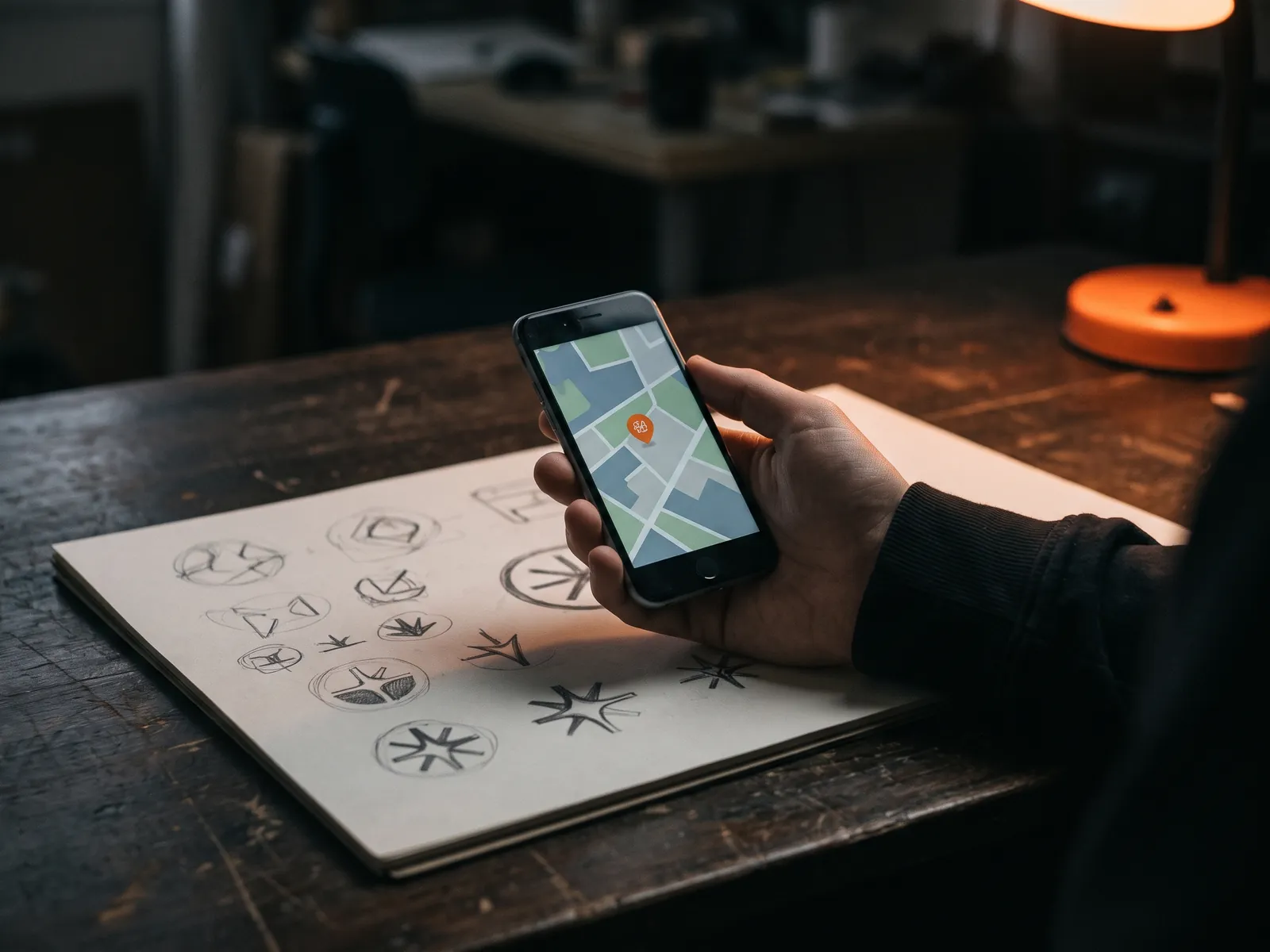
Apple Business Connect and Bing Places are the free business listings for Apple Maps and Microsoft's Bing search and maps. Most small businesses set up a Google Business Profile and stop there, which leaves a gap: iPhones are extremely common in Australia, and Apple Maps is the default maps app on them, used by Siri and in Apple's own search suggestions. Bing powers search in Microsoft products and feeds information to some AI assistants. Claiming both takes about an hour and costs nothing.
If someone asks Siri for "plumber near me" or taps a business in Apple Maps while driving, your Apple listing is what they see. If it's missing, wrong or unclaimed, you're leaving that to chance.
Why these listings matter more than you'd think
Apple Maps on iPhones. Many iPhone users never install Google Maps and simply use what came with the phone. Searches through Siri, Spotlight and CarPlay often go through Apple Maps data. An unclaimed listing may show an old phone number, wrong hours or no photos.
Bing on Windows and Edge. Bing is the default search engine in Microsoft Edge and Windows search. In offices and on work computers, it gets more use than people assume, particularly for B2B services.
AI assistants. Some AI tools rely partly on Bing's index for live web results. Being present and accurate on Bing helps you show up in those answers. More on that in my article on getting mentioned in ChatGPT answers.
Consistency. Your business details appearing correctly across Google, Apple and Bing reinforces that they're accurate everywhere, which matters for local search generally.
Setting up Apple Business Connect
Apple Business Connect is Apple's free tool for managing your place card in Apple Maps.
- Sign in with an Apple Account at Apple Business Connect. Use an account the business controls rather than a personal one, or add staff later.
- Search for your business. It may already exist from data Apple collected elsewhere. Claim it if it does; create it if it doesn't.
- Verify. Apple may verify by phone call, by checking documents, or through other methods it chooses. Have your business registration details and a phone you can answer ready.
- Fill in the place card: name, category, address (or hide it if you're a service-area business where available), phone, website, hours and special hours.
- Add photos and a logo. A cover photo of your storefront, vehicle or team makes a big difference on a phone screen.
- Add action links such as booking, ordering or a quote request, where Apple offers them for your category.
- Use Showcases for time-limited updates: seasonal services, new products, holiday hours.
Apple also offers Business Caller ID and branded email features through Business Connect in some markets. Check what's available for Australian businesses when you set up, and only use what you'll maintain.
Setting up Bing Places
Bing Places for Business is Microsoft's equivalent of Google Business Profile.
- Sign in at Bing Places with a Microsoft, Google or work account.
- Import from Google Business Profile. Bing lets you import your existing Google listing, which copies over most details and can speed up verification. This is the fastest route if your Google profile is in good shape.
- Or add the business manually, entering name, address, phone, categories, hours, website and photos.
- Verify using the method Bing offers, often by phone, email or postcard.
- Check categories after import, as they don't always map perfectly between Google and Bing.
While you're there, verify your website in Bing Webmaster Tools and submit your sitemap. It's the Bing version of Google Search Console, and it can also import settings from Search Console in a few clicks.
What to fill in first
If you're short on time, focus on what customers see most:
| Field | Apple Business Connect | Bing Places |
|---|---|---|
| Name, phone, website | Yes, must match Google exactly | Yes, must match Google exactly |
| Category | Choose the most specific | Check after importing |
| Hours and holiday hours | Yes, including state public holidays | Yes |
| Photos | Cover photo and logo at minimum | A few real photos |
| Address or service area | Show or hide to match Google | Match Google |
| Booking or quote link | Action links where available | Website link |
Keeping them up to date
The problem with secondary listings is that they get forgotten. When you change your hours for Christmas, move premises or get a new phone number, update Google, Apple and Bing at the same time. Put a reminder in your calendar each quarter to check all three, and add them to your list of local citations in Australia so they're part of your regular clean-up.
Reviews behave differently on each platform. Apple Maps uses its own ratings from users and can show ratings and reviews from partner sites, while Bing can show reviews from various sources. You can't manage these the way you manage Google reviews, so concentrate review efforts on Google and keep these listings accurate.
Common problems and fixes
- Duplicate listings. Old addresses or previous business names can linger. Claim the correct one and report or remove duplicates through each platform's tools.
- Wrong pin location. Especially in new estates and rural areas, the map pin can be off. Both tools let you adjust it.
- Verification stuck. Make sure the details you enter match your official records and your website exactly. Small differences like "St" versus "Street" can cause problems in some systems.
- Hidden address confusion. If you're a service-area business, set the address visibility the same way on all platforms so customers don't get mixed messages.
Where this fits in local SEO
Apple and Bing listings won't replace Google, which still handles most searches in Australia. They fill the gaps around it, and together with a strong Google Business Profile and accurate directory listings, they make your business easier to find wherever people look. I set up and keep all three in line as part of my local SEO service from $690/month, always in accounts owned by your business.
Let’s talk
about your business
Before the call I review your website and ads. After the call you get an action plan and a price range in writing.

12+ years in online marketing, 100+ clients. I build websites, Google Ads and Meta ads campaigns, CRMs and automations for small and mid-sized businesses. About me →
Apple and Bing:
questions
Do I need a Mac or iPhone to use Apple Business Connect?
No. Apple Business Connect works in a web browser, so you can manage it from a Windows computer. You do need an Apple Account to sign in, which you can create for free with any email address. Keep that account tied to the business so the listing isn't lost if someone leaves.
Will importing from Google overwrite my Bing listing?
Importing can update the details in Bing Places with what's in your Google profile. That's helpful when Google is up to date, but check the result afterwards, particularly categories, hours and the service area, because not everything maps perfectly between the two platforms.
Is Bing worth bothering with in Australia?
Bing's share of search is much smaller than Google's, but setup takes minutes, especially with the import option. It's used in Microsoft products, by some business users and by some AI tools. For the time involved, it's one of the easiest wins in local SEO.
How often should I update Apple and Bing listings?
Whenever your core details change, and at least a quick check each quarter. Holiday hours are the most common miss: if Google shows you closed over Christmas but Apple Maps shows you open, an iPhone user may turn up to a locked door and leave a poor rating.
Want Google, Apple and Bing
all saying the same thing?
I'll claim or clean up your listings on all three platforms, in accounts owned by your business, and keep them in line when things change.